Inventory management
Stock in, stock out, locations and low-stock alerts, with barcode scanning from any phone.
I'm Joe Tayactac. I've built 100+ custom AppSheet apps for inventory, POS, inspections, field technicians, approvals and reporting, each designed around how the business already works.
Most requested
I build no-code business apps on Google AppSheet, and fix and troubleshoot existing ones. Every business runs a little differently, so I build the app around your workflow, not the other way around.
Stock in, stock out, locations and low-stock alerts, with barcode scanning from any phone.
Record sales in the field, follow up on leads and see totals by person, product or day.
Assign jobs, capture photos and signatures on site, and know where every job stands.
Requests that route to the right person, with notifications and a clear audit trail.
Automatic PDFs and live dashboards instead of rebuilding the same report every week.
One place for customer details, history and follow-ups that the whole team can see.
Apps I build
A sample of what I build with AppSheet, grouped by the team that uses it. Every app is built around your own process and data.
Built into the apps
These are only examples. Tell me how your team works today and I'll tell you what the app could look like.
Proof of work
Besides client work, I design, build and run my own products and free AppSheet tools, and I share my work on YouTube. Try them yourself.
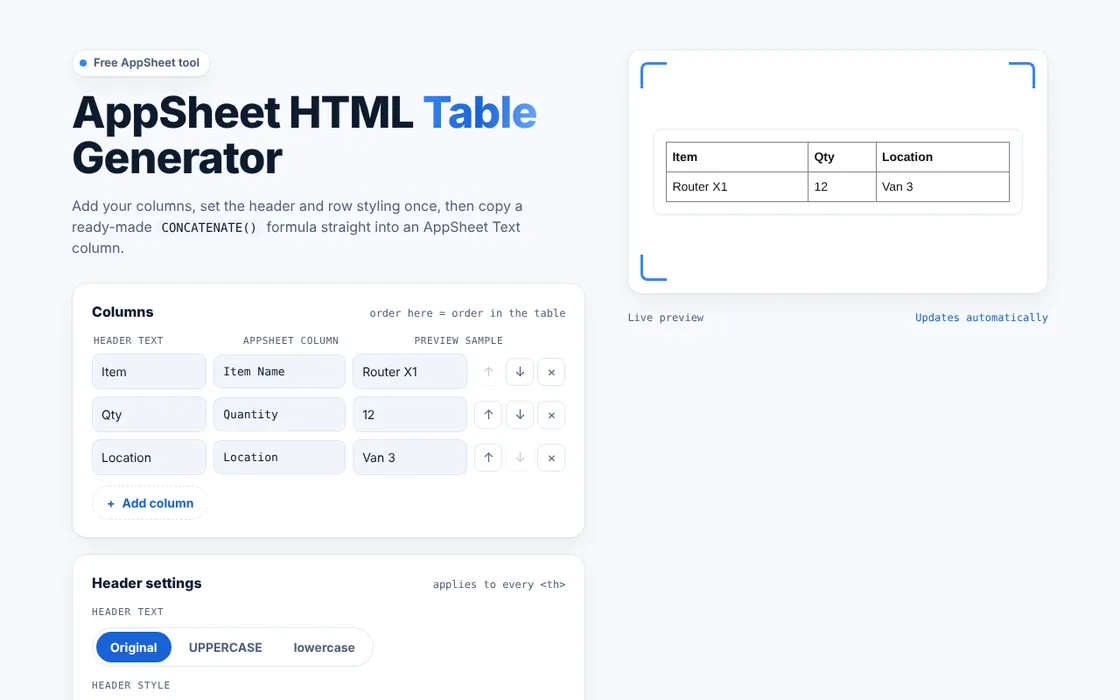
Add your columns and copy one CONCATENATE() formula that builds a styled HTML table, with header and row options and a live preview.
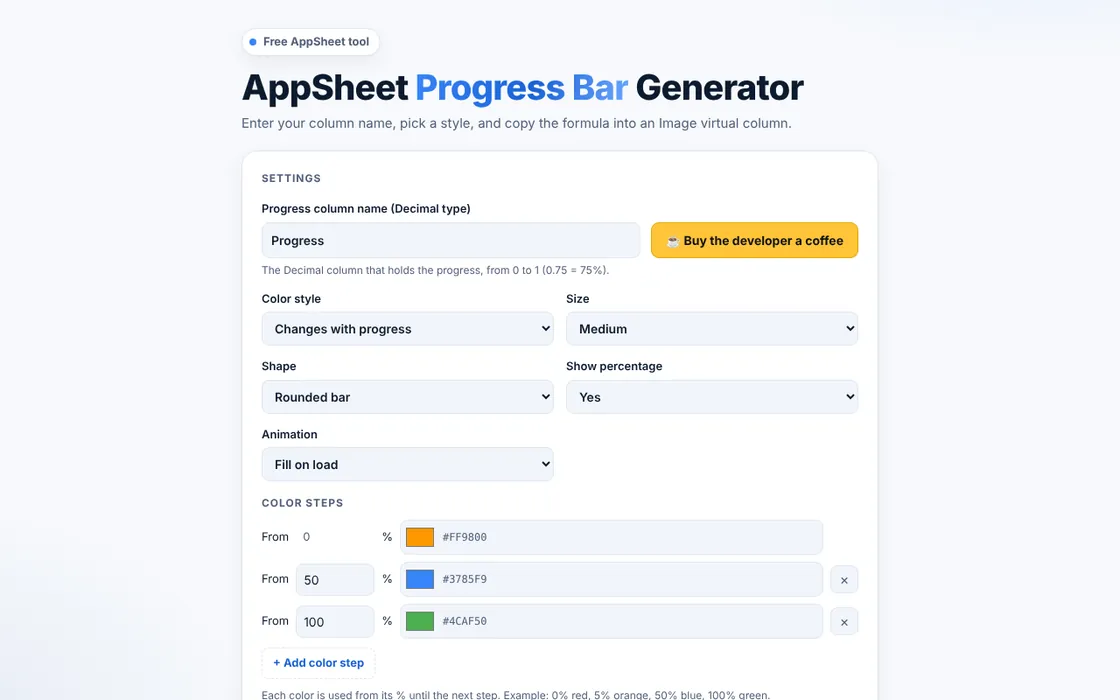
Pick a style, enter your column name and copy one formula into an Image virtual column. Bars, circles, gauges and blocks, with color steps and a fill animation.
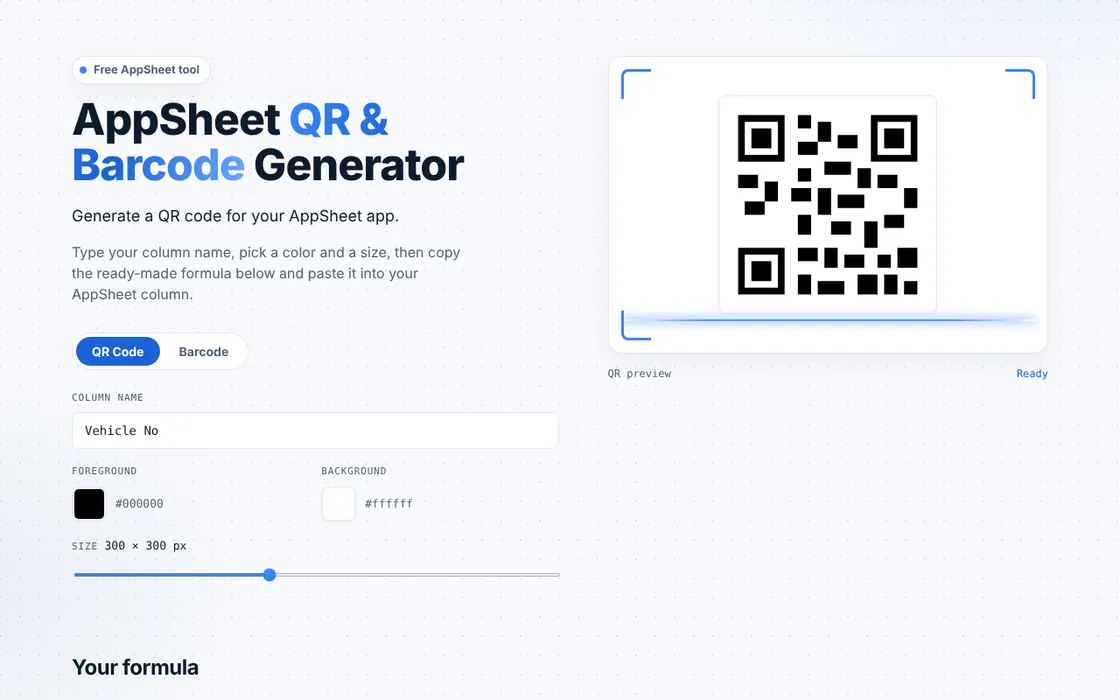
Type a column name and copy one formula that shows a QR code or Code 128 barcode for every record. Choose the colors and size, with a live preview.
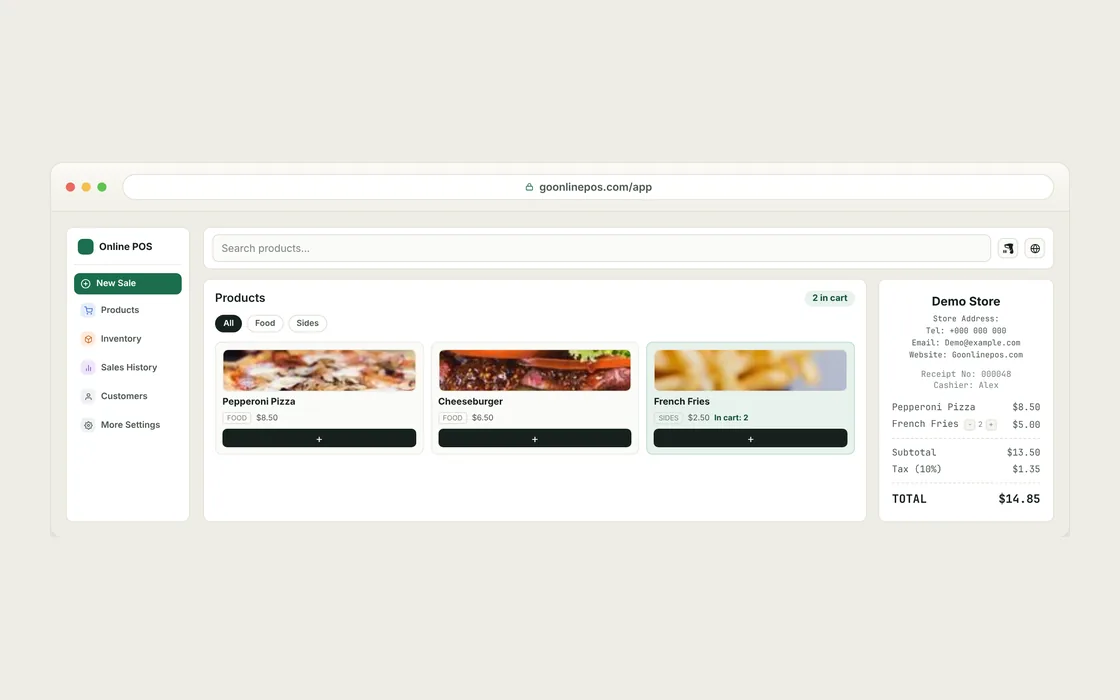
A free point-of-sale system that runs in the browser: no signup, no login, no installation. Sell, manage inventory, track customers and print receipts, even offline.
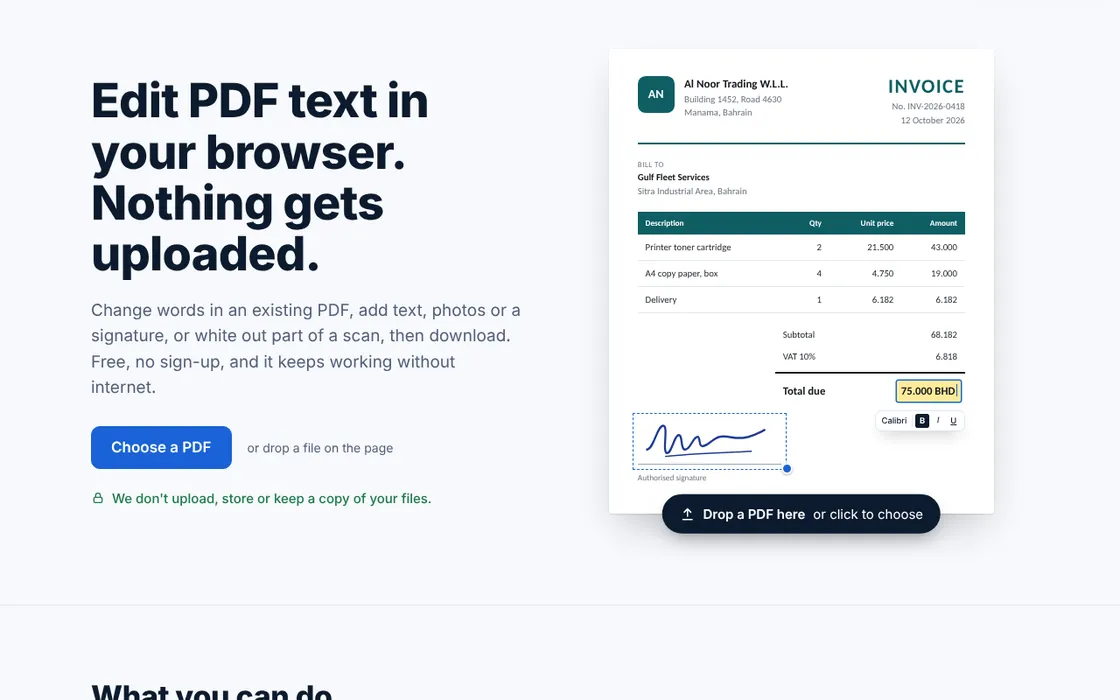
Edit the existing text in any PDF, add text, images and signatures, and white out scanned pages. It runs entirely in the browser: files never leave the device, and it works offline.
See my work in action on video: building, fixing and improving real AppSheet apps. Subscribe to follow new uploads.
How I work
It starts with understanding the work, and it doesn't stop at launch.
We walk through how the work actually happens today: who enters what, where it gets stuck, and what you need to see.
I build the app on your existing data, your team tries it on real work, and I fix what doesn't fit.
Once real people use it, new needs show up. I keep refining the app as your business changes.

About me
I didn't start as a traditional programmer. During COVID, the company I worked for ran its daily operations on Excel, and as the processes got more complicated I kept thinking there had to be a better way.
That question led me to AppSheet. I learned by building: create an app, test it, fix what needs fixing, then build the next feature. More than five years later, I build real applications for clients and run my own products, like GoOnlinePOS.com.
You can build an application around the way a business actually works.
Contact
Tell me about the process you want to turn into an app. I'll reply by email.